Sheets Calendar Template for Excel
A clean, printable Excel calendar template. Monthly views for any year, customizable for planning events and tracking schedules. Download Excel. No signup required.
Free
No signup
Excel, CSV
Productivity
2026-06-19
What Is This Sheets Calendar Template?
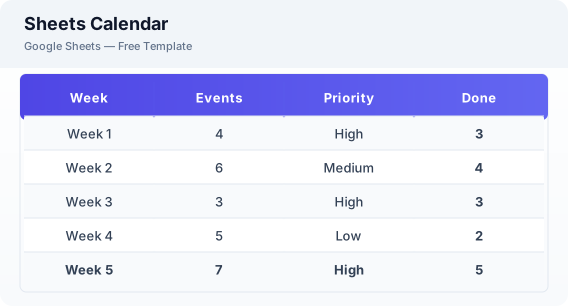
This Excel calendar template is a clean, printable monthly calendar for planning events, tracking deadlines, and organizing your schedule. Each month has its own view with date cells for entries, week numbers, and a notes section.
Why Use a Google Sheets Sheets Calendar Template?
A Excel calendar combines the flexibility of a digital tool with the simplicity of a printable calendar. You can access it from any device, share with others, and customize it to fit your planning style.
When Should You Use This Sheets Calendar Template?
Use this template for monthly planning — track appointments, deadlines, content publishing dates, or family events. It works alongside the weekly planner for more detailed weekly breakdowns.
What's Included
- ✓Monthly grid view
- ✓Daily event cells
- ✓Week numbers
- ✓Notes section
- ✓Printable layout
- ✓Yearly reference
How to Use This Template
Who This Template Is For
Available Formats
Excel (.xlsx) — Download the file and open it in Microsoft Excel, Apple Numbers, or any compatible spreadsheet application.
CSV — Download the comma-separated values file for use in data applications, databases, or legacy spreadsheet software.
Customization Tips
- 💡Duplicate the base tab to create calendars for any month and year.
- 💡Use Excel print settings to fit the calendar to one page.
- 💡Share with family or team members for collaborative scheduling.
Use Cases
- Monthly calendar planning
- Event scheduling
- Content planning calendar
Download or Copy
Frequently Asked Questions
Related Templates
Last updated: 2026-06-19