Campaign Promotion Gantt Chart Template for Excel
Plan and track marketing campaign promotions with this free Excel Gantt chart template. Track activity types, planners, execution duration, and completion status with automatic date calculations. No signup required.
Free
No signup
Excel
Business
2026-07-12
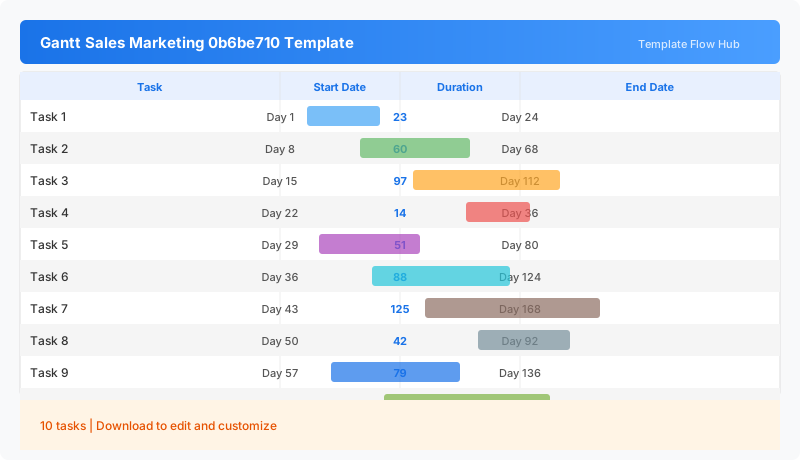
What Is This Campaign Promotion Gantt Template?
This campaign promotion Gantt chart template is an Excel workbook for planning and tracking marketing activities from start to finish. It includes fields for activity type, campaign plan name, planner assignment, start and end dates, automatic execution day counting, and a completion status tracker. The weekday calendar header helps you see at a glance which days each activity spans.
Why Use a Google Sheets Campaign Promotion Gantt Template?
Marketing campaigns involve multiple activities running in parallel—social media posts, email blasts, in-store promotions, and paid ads. This template gives marketing teams a single view of what is happening, who is responsible, and whether activities are on track. The automatic duration calculation removes the need to count days manually.
When Should You Use This Campaign Promotion Gantt Template?
Use this template when planning a seasonal promotion, product launch campaign, or multi-channel marketing initiative. It is also useful for tracking promotional calendars in retail, e-commerce, and event marketing.
What's Included
- ✓Activity type and campaign plan entry
- ✓Planner and responsible person assignment
- ✓Start date and end date tracking
- ✓Automatic execution days calculation
- ✓Completion status tracking (Completed, In Progress, Not Started)
- ✓Weekday calendar header (Sunday through Saturday)
How to Use This Template
Who This Template Is For
Available Formats
Excel (.xlsx) — Download the file and open it in Microsoft Excel, Apple Numbers, or any compatible spreadsheet application.
Customization Tips
- 💡Add more activity rows for larger campaigns with multiple tactics.
- 💡Use the promotion type field to categorize activities by channel (digital, print, in-store).
- 💡Adjust the calendar header to start on Monday instead of Sunday if needed.
- 💡Color-code completed activities green and overdue items red using conditional formatting.
Use Cases
- Marketing campaign planning and scheduling
- Promotion activity timeline tracking
- Team task assignment for campaign execution
- Campaign progress monitoring
- Multi-activity promotion coordination
Download or Copy
Frequently Asked Questions
Related Templates
Last updated: 2026-07-12