Activity Promotion Gantt Chart Template for Excel
Schedule and track promotional activities with this free Excel Gantt chart template. Manage activity types, planners, promotion timelines, and completion status with automatic date calculations. No signup required.
Free
No signup
Excel
Business
2026-07-12
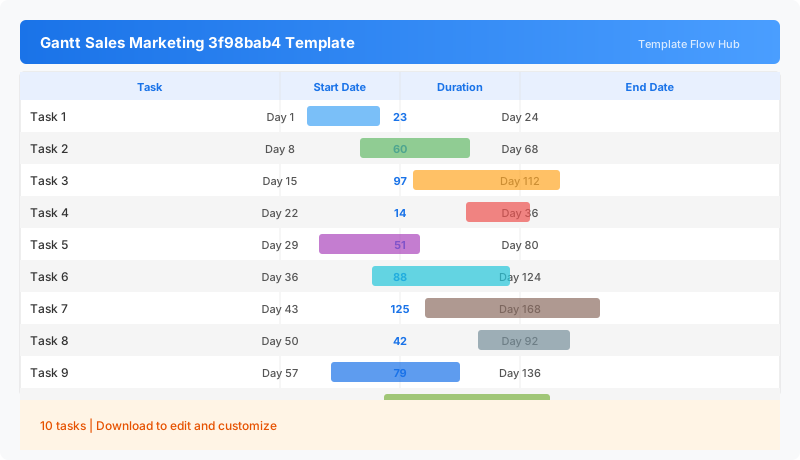
What Is This Activity Promotion Gantt Template?
This activity promotion Gantt chart template is an Excel workbook for managing promotion campaigns. Track each activity by type, campaign plan, assigned planner, and schedule. The workbook calculates execution days automatically and displays a weekday calendar for timeline visualization.
Why Use a Google Sheets Activity Promotion Gantt Template?
Running promotions across multiple channels requires coordinating people, dates, and deliverables. This template gives promotion managers a clear view of who is doing what and when, with automatic duration tracking to keep campaigns on schedule.
When Should You Use This Activity Promotion Gantt Template?
Use this template during quarterly promotion planning, seasonal campaign coordination, or product launch scheduling. It works well for marketing teams managing simultaneous promotions across digital, in-store, and partner channels.
What's Included
- ✓Activity type classification
- ✓Campaign plan and promotion strategy
- ✓Planner and team member assignment
- ✓Start date and end date tracking
- ✓Automatic execution days calculation
- ✓Completion status (Completed, In Progress, Not Started)
- ✓Weekday calendar header
How to Use This Template
Who This Template Is For
Available Formats
Excel (.xlsx) — Download the file and open it in Microsoft Excel, Apple Numbers, or any compatible spreadsheet application.
Customization Tips
- 💡Group activities by promotion type to see channel mix at a glance.
- 💡Use the planner column to track workload distribution across team members.
- 💡Add priority tagging by sorting activities by start date.
- 💡Extend the calendar range for campaigns lasting multiple months.
Use Cases
- Promotion activity planning
- Marketing campaign execution tracking
- Event promotion scheduling
- Team task delegation for promotions
- Multi-channel campaign coordination
Download or Copy
Frequently Asked Questions
Related Templates
Last updated: 2026-07-12